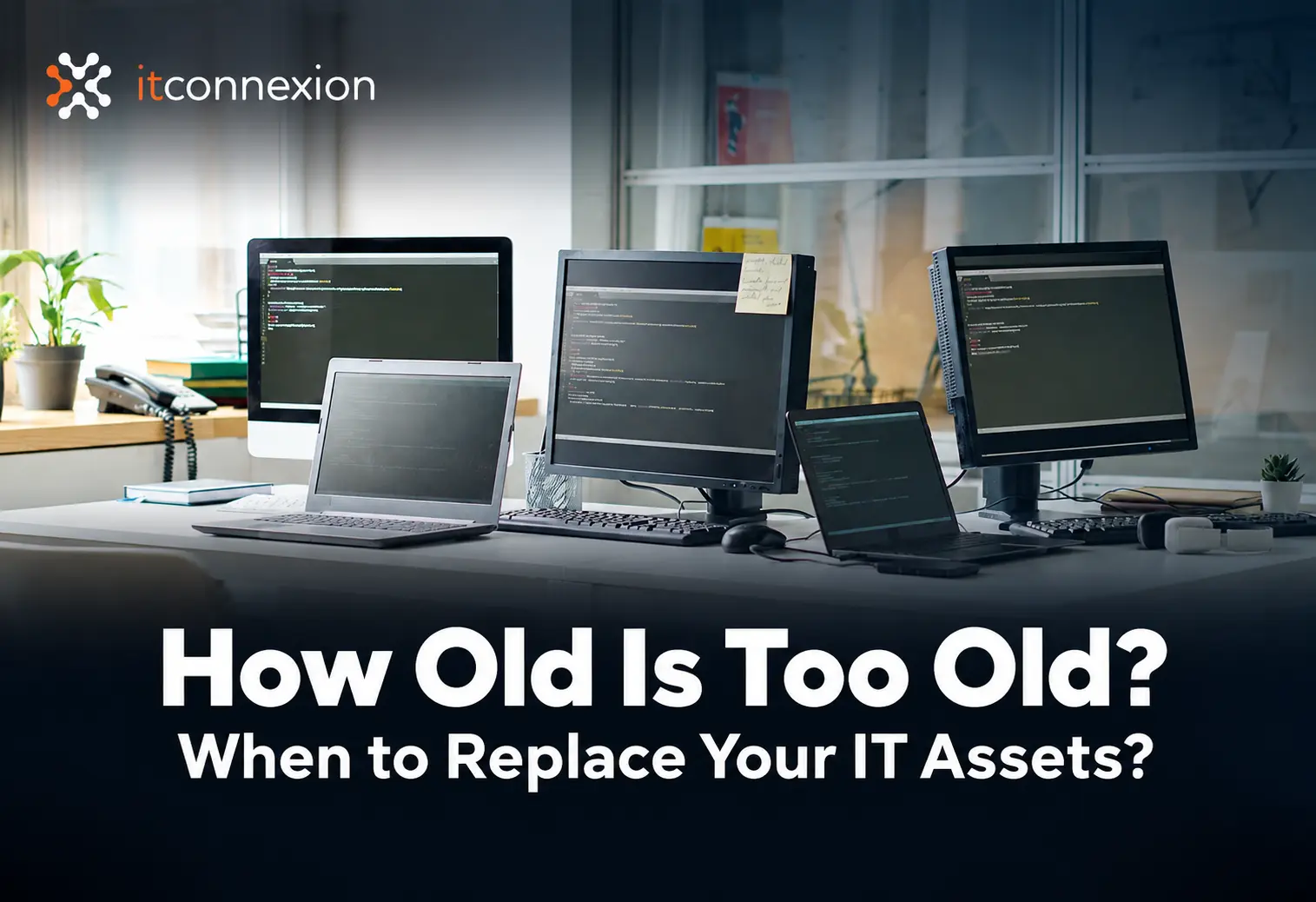
Many organisations continue using the same IT equipment until something goes wrong. Laptops slow down, servers approach the end of their support lifecycle, and network equipment starts struggling with growing demands. While the technology may still be working, that does not always mean it is still fit for purpose.
The result? Businesses and NFPs can face unexpected downtime, security risks, compatibility issues and unplanned replacement costs. Without regular lifecycle reviews, ageing technology can quietly become a growing risk to productivity and business continuity.
This short video explores practical IT lifecycle guidelines and the key factors to consider when reviewing your technology:
- Laptops and Desktops: Start reviewing business devices around 3 to 5 years, depending on performance, warranty and business requirements.
- Servers: Review around 5 years while considering workload, warranty coverage and vendor support.
- Network Equipment: Switches and Wi-Fi equipment can often last 5 to 7 years, but should be reviewed as your business and connectivity needs evolve.
- Firewalls: Look beyond age and check security updates, vendor support, capacity and licensing requirements.
Is Your IT Infrastructure Still Fit for Purpose?
Replacing technology should not always be an emergency response. Maintaining an up-to-date IT asset register and reviewing your infrastructure at least once a year can help you identify what needs attention, what can stay, and what you should plan for next.
Speak with ITConnexion today for a FREE IT Infrastructure Consultation and take a proactive approach to your technology lifecycle.
Together, we help Australian SMEs and NFPs plan smarter, reduce unexpected IT disruptions and build technology environments that support long-term business needs.